
OBDLink EX FORScan OBD Adapter
4.7Editor score
Recommended by FORScan team
Electronic switch for all CAN buses
Up to twenty times faster throughput
This guide compares the top Forscan USB OBD2 adapters for Ford and Mazda owners seeking reliable diagnostics, programming, and hidden feature access.
Choosing the right Forscan USB OBD2 adapter is essential for vehicle owners who want reliable diagnostics and programming capabilities without visiting a dealership.
We compared ten top-rated adapters based on compatibility, speed, stability, and user feedback to help you find the best tool for your specific needs.
Each pick highlights key features and trade-offs so you can decide confidently while keeping in mind that prices and availability may change over time.
4.7Editor score

4.7Editor score

4.4Editor score
The following table provides a side-by-side comparison of all ten adapters evaluated in this guide highlighting their key specifications and compatibility details.




This adapter stands out for its reliability and optimization for FORScan software making it a top choice for serious diagnostics.
We may earn a commission when you buy through this link, at no additional cost to you.
Users appreciate its automatic CAN bus switching and high-speed data transfer which ensures smooth access to vehicle modules without interruptions.
While it performs excellently you must run it on a Windows PC and install the necessary diagnostic software separately.
We recommend it for Ford Mazda and Lincoln owners who need dependable performance for programming and extended diagnostics.
The adapter delivers reliable performance during extended diagnostics and ECU programming with no lag or crashes.
It automatically identifies and connects to supported CAN buses including HS and MS for seamless multi module access.
We may earn a commission when you buy through this link, at no additional cost to you.
This premium adapter offers dealership-level diagnostics and is specifically designed for maximum compatibility with FORScan software.
We may earn a commission when you buy through this link, at no additional cost to you.
Its electronic switch allows simultaneous access to all CAN buses enabling advanced functions that toggle switch adapters cannot achieve.
Though it costs more users report significantly faster throughput and a stable connection that avoids data corruption and dropped packets.
Choose this if you need the highest performance and advanced features for your Ford or Lincoln vehicle.
It works with all FORScan compatible vehicles and is officially recommended by the FORScan team.
The adapter delivers up to twenty times faster speed compared to traditional toggle switch adapters.
We may earn a commission when you buy through this link, at no additional cost to you.
This adapter offers an affordable way to access FORScan features while supporting a wide range of Ford and Mazda models.
We may earn a commission when you buy through this link, at no additional cost to you.
It connects via USB and is compatible with FORScan and other ELM327-based tools for accurate diagnostics and code clearing.
You must ensure you are using a Windows PC since it does not support macOS or mobile devices directly.
Ideal for DIYers on a budget who need reliable basic diagnostics without breaking the bank.
Read and clear Diagnostic Trouble Codes and view fault descriptions to troubleshoot issues confidently without a mechanic.
It supports Ford Lincoln Mazda and Mercury cars from 1996 onwards with specific models including Focus Fusion and Explorer.
We may earn a commission when you buy through this link, at no additional cost to you.
This adapter combines reliability with advanced features including battery saver technology and support for programming voltage output.
We may earn a commission when you buy through this link, at no additional cost to you.
It switches automatically between CAN buses allowing access to hidden functions without manual intervention during a session.
The battery saver feature protects your vehicle battery from draining when the adapter is left plugged in.
A solid choice for users who want robust features and a one-year warranty included with the purchase.
Auto sleep and wake up mode protect the car battery allowing safe long-term plug-in without damage.
The connection ensures no dropped packets or data corruption during ECU programming and modification.
We may earn a commission when you buy through this link, at no additional cost to you.
This adapter delivers a stable USB connection for users who prefer manual control over CAN bus switching.
We may earn a commission when you buy through this link, at no additional cost to you.
It supports various diagnostic apps and is compatible with most Ford Mazda and Mercury vehicles from 1996 onwards.
You will need to install drivers and update software before using which adds setup time but ensures proper function.
Great for budget conscious buyers who want a proven ELM327 compatible tool with manual switching.
Unlock global window functions Bambi mode security idle and other factory settings using compatible software tools.
Runs on all 32 and 64 bit Windows systems from XP to 10 after installing required drivers.
We may earn a commission when you buy through this link, at no additional cost to you.
This adapter offers an entry level option for users who want basic access to FORScan features and hidden mods.
We may earn a commission when you buy through this link, at no additional cost to you.
It includes a manual switch for CAN buses and supports the majority of Ford models from 1996 onwards.
Some users note a lower overall rating which may indicate occasional connectivity issues compared to higher rated models.
A cost-effective choice for basic diagnostics if you are comfortable with manual setup and software configuration.
Access Global Window feature Bambi Mod reverse tilt mirrors and tire size correction using supported software.
Compatible with all Windows versions from XP to 10 but does not support macOS or mobile devices.
We may earn a commission when you buy through this link, at no additional cost to you.
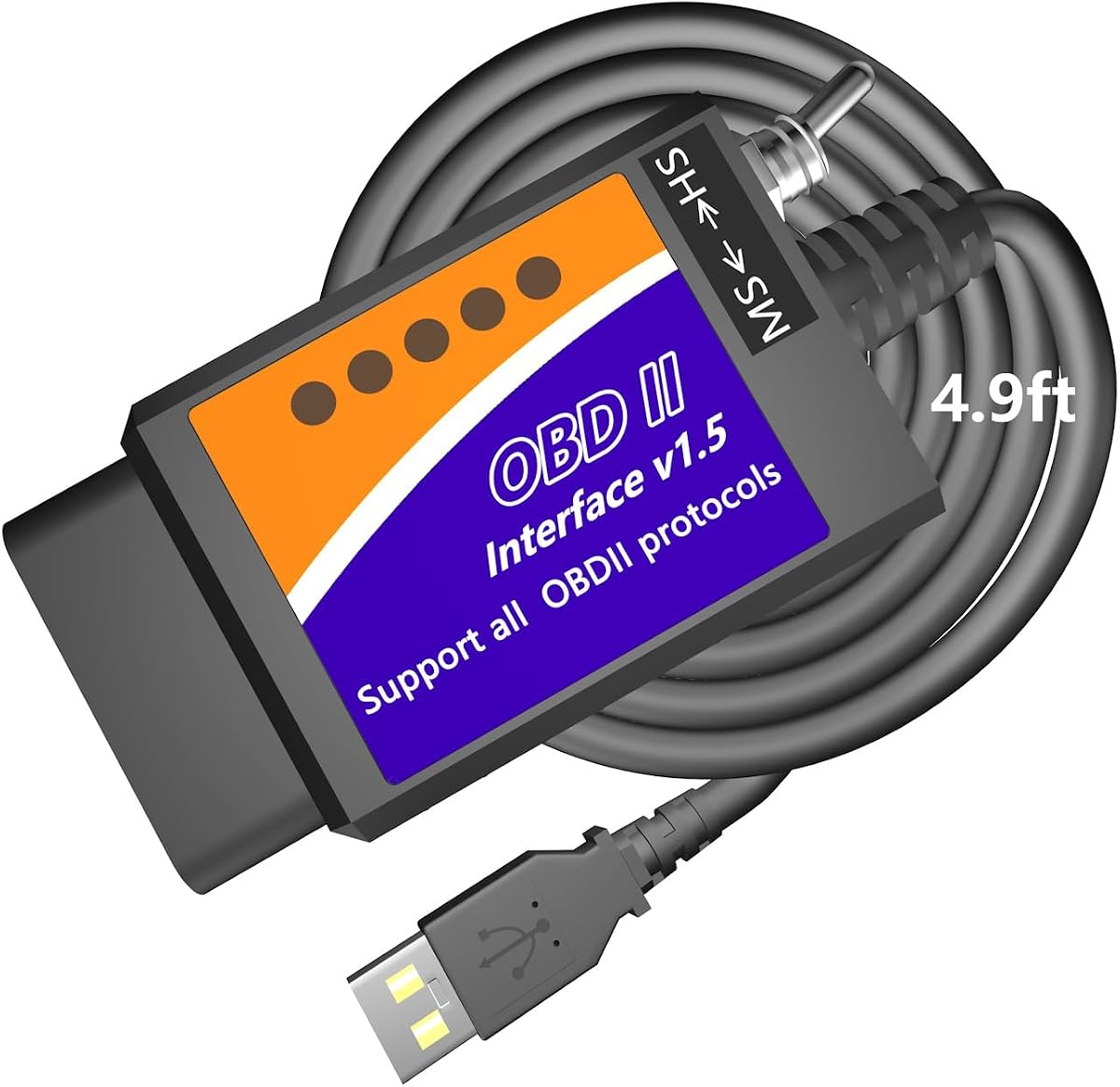
This adapter stands out for its extra-long cable which improves comfort when connecting a laptop to the OBD2 port.
We may earn a commission when you buy through this link, at no additional cost to you.
It unlocks hidden factory configurations and supports live data streaming making it useful for detailed diagnostics and customization.
You must use a Windows PC since it is not compatible with macOS or mobile devices without emulation.
Ideal for users who value ergonomic setup and want access to extensive vehicle customization options.
The 4.9ft cable is longer than typical three foot cables allowing better laptop placement and port access.
Easily view digital speedometer readouts track transmission temperatures and customize settings via FORScan.
We may earn a commission when you buy through this link, at no additional cost to you.
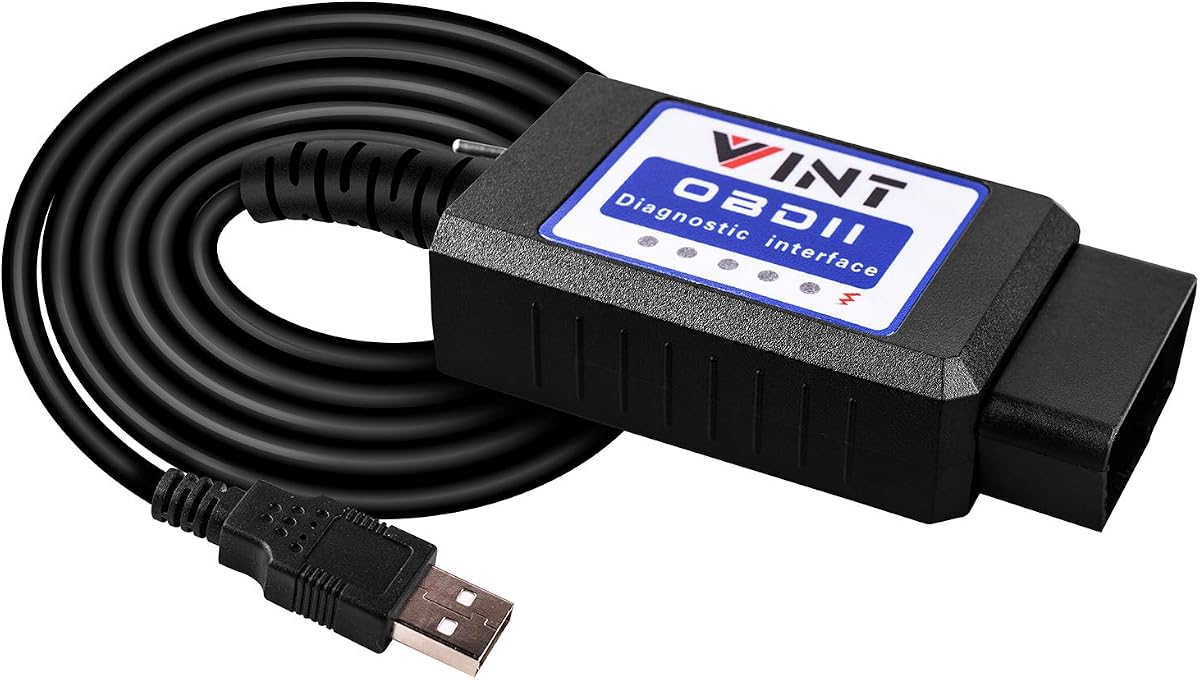
This budget friendly adapter uses an FTDI chip to improve connection stability and reduce data corruption during use.
We may earn a commission when you buy through this link, at no additional cost to you.
It includes a manual switch for CAN buses and is compatible with most Ford and Lincoln models from 1996 onwards.
You must install drivers and software before use which is common for this type of hardware.
A good option for users who want reliable hardware without spending a premium on top tier models.
The FTDI chip and V1.5 hardware version provide reliable connection and avoid data corruption and dropped packets.
Works with FORScan Elmconfig FF2 and FoCCCus on all Windows versions from XP to 10.
We may earn a commission when you buy through this link, at no additional cost to you.
This version of the vLinker FS holds the highest rating in our list reflecting excellent user satisfaction and performance.
We may earn a commission when you buy through this link, at no additional cost to you.
It offers automatic electronic switching and a rock-solid USB connection that ensures smooth communication with vehicle modules.
Users appreciate the support for programming voltage and faster data rates which improve overall work efficiency.
Recommended for those seeking a proven reliable adapter with strong ratings and robust capabilities.
Allows FORScan to access all CAN buses at the same time enabling advanced functions seamlessly.
Reach a transmission rate of 3Mbps and highest baud rate for smoother graphics and real-time meters.
We may earn a commission when you buy through this link, at no additional cost to you.
This adapter has been a favorite among Ford owners for years offering reliable scanning and module modification capabilities.
We may earn a commission when you buy through this link, at no additional cost to you.
It includes a toggle switch for CAN buses and runs at a constant speed of 500kbit/s for stable communication.
Users report good access to hidden mods but must install drivers and software before beginning diagnostics.
A solid veteran choice for users who value simplicity and a proven track record in the Ford community.
Help you conveniently access diagnose and configure as-built data with an improved switch for smooth communication.
The interface runs at a constant speed of 500kbit/s ensuring consistent performance during diagnostics.
We may earn a commission when you buy through this link, at no additional cost to you.
Choosing the right adapter depends on your vehicle model desired features and your computer setup.
Ensure the adapter supports your specific vehicle brand and model as compatibility varies between Ford Lincoln Mazda and other brands.
Check the manufacturer documentation for supported model years and confirm whether it works with your vehicle's CAN network architecture.
Some adapters offer automatic electronic switching between HS and MS CAN buses while others require manual toggling via a physical switch.
Automatic switching provides convenience and prevents network errors but manual switches offer more control and lower cost options.
Verify that the adapter works with FORScan or other diagnostic software you plan to use since not all tools support all hardware.
Ensure you have a valid license for software features you want especially for advanced programming and configuration functions.
Most USB adapters require a Windows PC and do not work with macOS without emulation or a virtual machine setup.
Confirm the adapter drivers support your specific Windows version and that you have administrative rights to install them.
Higher data transfer speeds provide smoother real-time data streaming and faster access to modules during programming tasks.
If you plan on live data streaming or extended diagnostics prioritize adapters with higher baud rates and throughput specifications.
Some adapters provide extra voltage output necessary for ECU programming which is required for certain vehicle programming tasks.
If you need to program modules check whether the adapter supports the required voltage output for your specific vehicle.
Cable length matters for comfort since shorter cables can make it difficult to position your laptop near the OBD2 port.
Look for adapters with longer cables if you plan on working in tight spaces or need extra reach for live data monitoring.
Reputable brands often provide warranties and technical support which can be valuable if you encounter connectivity or driver issues.
Check the manufacturer warranty period and confirm they offer firmware updates to maintain compatibility with new vehicle models.
First download and install the required drivers for your adapter from the manufacturer website and then install your diagnostic software.
Next connect the adapter to your vehicle OBD2 port and plug it into your computer using the included USB cable or an extension.
Finally launch your diagnostic software select your vehicle make and model and ensure the adapter is detected before starting diagnostics.
Most USB OBD2 adapters require a Windows PC because drivers are designed for Windows. macOS or Linux users will need to run Windows via emulation or virtualization.
Many adapters support Ford F-150 models from 1996 onwards but confirm with the manufacturer since some new models may require updated firmware or software.
These USB adapters are designed for laptops and require full diagnostic software that runs on desktop operating systems so mobile devices are not supported.
No the adapter is hardware only you must download and install the diagnostic software separately and purchase a license for advanced features.
High speed CAN is used for major modules like engine and transmission while Medium speed CAN handles body modules like lights and locks requiring both for full access.
Use the manufacturer provided update tool to flash new firmware which may add compatibility or fix bugs but follow instructions carefully to avoid bricking the device.
Most USB adapters do not drain the battery significantly but some may draw power if left plugged in for long periods so unplug when not in use.
Yes one adapter can be used across multiple vehicles as long as it supports the protocols and software for each car you plan to diagnose.
The top three picks offer a balance of performance reliability and value whether you prefer automatic switching or manual control.
Prioritize compatibility with your vehicle model and software needs since a perfect hardware match prevents headaches during setup.
Prices and availability change frequently so verify current listings and warranty details before finalizing your purchase decision.