
Standard 5ft 10 Amps 125 Volts Black 3 Prong AC Power Cord
4.7Editor score
Heavy-duty 18 AWG
Fully molded design
Universal 3 pin plug
When your HP monitor loses power, finding the right replacement cord is critical. A mismatched adapter can damage your display. This guide helps you choose safely.
We analyzed ten top-rated power supplies based on voltage accuracy, connector type, and safety features. Our selection covers various HP monitor series from different years.
Each pick includes detailed specs and compatibility notes. Prices change frequently so verify current listings before buying. We aim to simplify your search effectively.
4.7Editor score
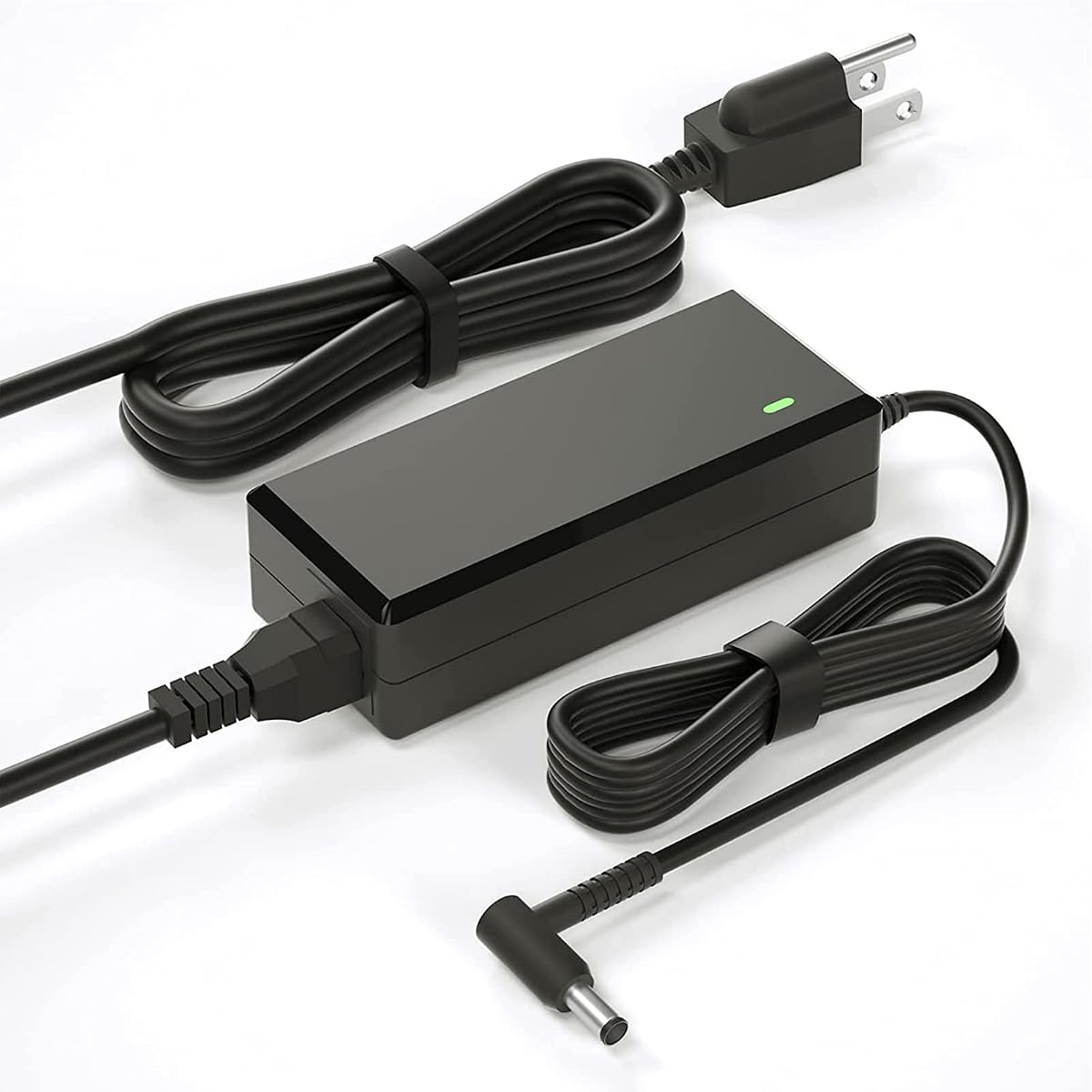
4.4Editor score

4.4Editor score
As an Amazon Associate we earn from qualifying purchases.
This table provides a side-by-side look at all ten products. Compare output voltage, connector types, and cable lengths to find the best fit for your specific HP model.


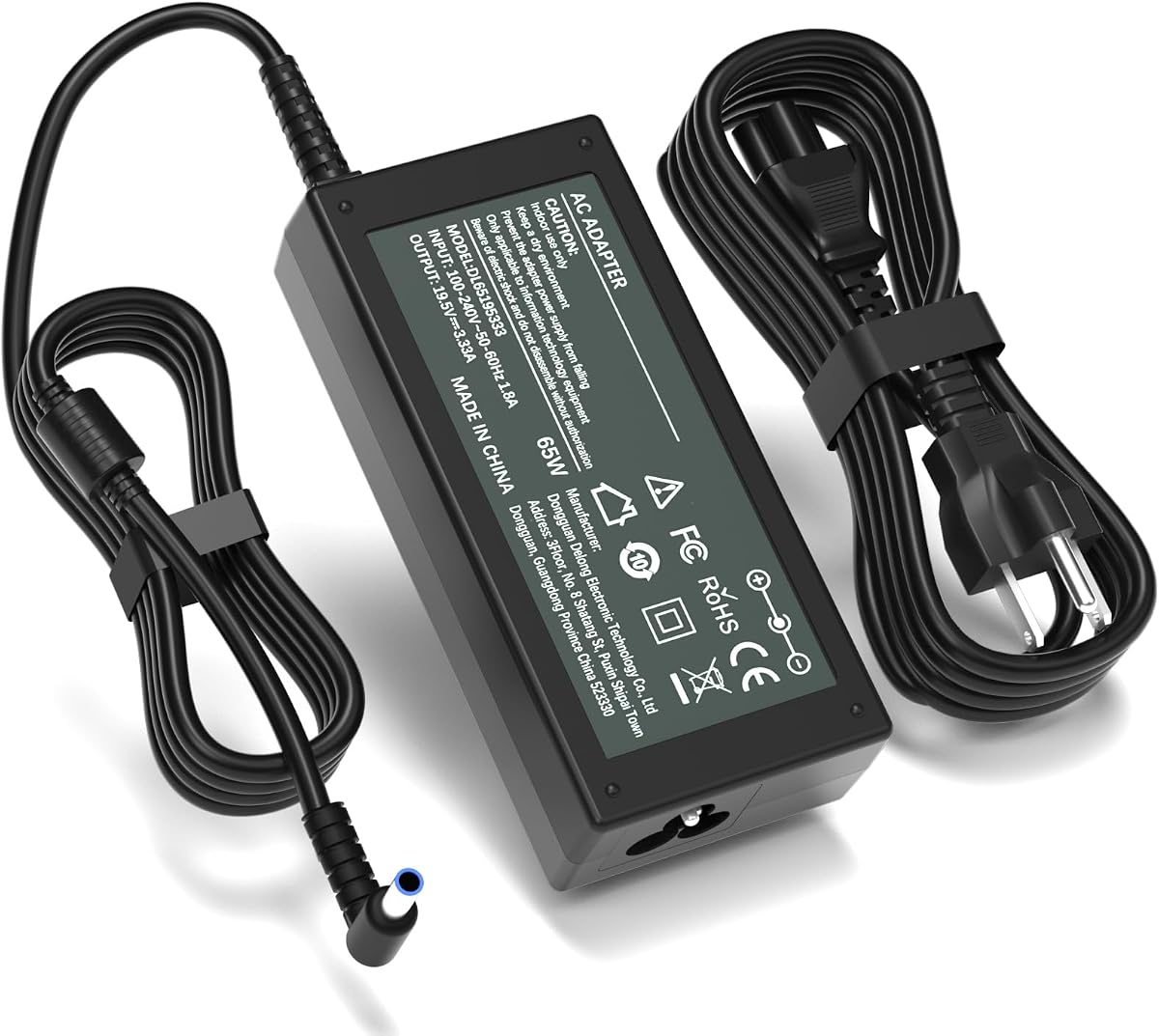


This power supply adapter is designed to replace the original charger for a vast array of HP monitor models. With a 4.4 star rating, users appreciate its versatility across the 20 to 27 inch range. It delivers a stable 19V output suitable for many standard office displays.
We may earn a commission when you buy through this link, at no additional cost to you.
The standout feature is its extensive compatibility list covering models like 22cwa, 24m, and vh240a. The 8.2 foot cord provides flexibility for desk setups where outlets are distant. It includes essential safety protections against over-voltage and short circuits.
However, buyers must ensure their monitor uses the standard 5.5×2.5mm connector. Some users reported needing the blue adapter cable if metal pins are missing in the port. It does not work for newer M-series models which use different tips.
This adapter is ideal for homeowners or office managers replacing a broken charger for older HP business monitors. Its certifications and robust build make it a reliable choice for daily use. Check your model number carefully before purchasing.
Works with many HP Pavilion and Business series monitors from 2020 to 2023.
Built-in safeguards prevent overheating and electrical surges to protect your display hardware.
We may earn a commission when you buy through this link, at no additional cost to you.
This standard AC power cord serves as a universal replacement for devices using C13 connectors. With a 4.7 star rating, it is a budget-friendly solution for powering HP monitors that accept external bricks. It simply connects the monitor brick to the wall outlet.
We may earn a commission when you buy through this link, at no additional cost to you.
Its main strength lies in its affordability and universal design. It replaces lost or worn out cords for computers printers and monitors from brands like Dell and HP. The 18 AWG gauge ensures it can handle the power load safely without overheating.
The five-foot length might be limiting for some setups. It also lacks the integrated voltage conversion of adapters. You need an internal or external brick for your monitor to function. It is strictly a cable replacement not a power brick.
Buy this if you have a working power brick but a frayed cable. It is a great spare to keep in an office drawer for quick replacements. Ensure your device uses a standard C13 connector.
Works with any device accepting a standard three-prong C13 to 15P connection.
Fully molded connectors prevent fraying and ensure a secure fit over time.
We may earn a commission when you buy through this link, at no additional cost to you.
This adapter is a specialized replacement for the HP VH240A monitor power supply. It carries a 4.6 rating indicating high customer satisfaction for its specific use case. It aims to restore power to units that lost their original charger.
We may earn a commission when you buy through this link, at no additional cost to you.
Users highlight the included adapter cable which helps match pin configurations. The total length of 8.2 feet provides good reach for desks and office environments. It undergoes aging tests to ensure safe operation before shipping.
The main limitation is its focus on the VH240A model. If your monitor is not on the list you may not get a fit. It is less versatile than broader replacement sets but excellent for those specific users.
Choose this if you own a VH240A and need a direct replacement. The warranty offers peace of mind for electronics purchases. Always check your specific model number against the compatibility list.
Designed specifically for HP VH240A and related series monitors ensuring reliable connection.
Backed by a 12 month worry-free exchange policy for added security.
We may earn a commission when you buy through this link, at no additional cost to you.
This adapter is built specifically for the HP M-series monitors like M27f and M24fw. These models require a 19.5V output and a blue tip connector which this adapter provides. It is a premium choice for users with these specific displays.
We may earn a commission when you buy through this link, at no additional cost to you.
The 8.8 foot reach is significantly longer than many standard cords. This allows flexible placement of the power brick away from the monitor. It includes a built-in chip to adjust power based on device temperature.
While effective it comes at a higher price than generic 19V options. It will not fit standard HP models. Ensure your model is in the M-series list. The blue tip is distinct from standard black connectors.
Ideal for professional setups using M-series monitors. The extra length and safety features justify the cost for many. Keep your model number handy when checking compatibility.
Built-in chip adjusts power to reduce heat and protect your monitor.
Over eight feet of total length ensures you can reach distant outlets easily.
We may earn a commission when you buy through this link, at no additional cost to you.
This unit targets HP monitors like 27f 25f and vh240a requiring 19V. It delivers 3.42A power suitable for most standard displays. The flame-retardant housing adds a layer of safety for office or home environments.
We may earn a commission when you buy through this link, at no additional cost to you.
Users find it reliable for models not covered by M-series adapters. It includes multiple protection features like short circuit prevention. The connector size matches many older HP models perfectly.
It does not work for M-series displays which need different voltages. Verify your model against the provided list. It is a mid-range option in terms of price and performance.
A practical choice for general HP monitor power replacement. It balances price and functionality well. Check the connector size matches your device before ordering.
Advanced safeguards keep your monitor safe from electrical issues.
Meets CE FCC and RoHS safety standards for global use.
We may earn a commission when you buy through this link, at no additional cost to you.
This adapter replaces power supplies for common HD monitors from 20 to 27 inches. It features a smart chip to manage voltage and temperature. The copper wire construction improves charging efficiency.
We may earn a commission when you buy through this link, at no additional cost to you.
Users value the built-in protection against overheating. The connector is standard 5.5×2.5mm which fits many devices. It supports over 10000 bending tests for durability.
It does not offer extra-long reach like some premium options. It is a straightforward replacement for standard needs. Always check your model number on the list.
A good option for standard office setups. It combines efficiency with safety features. Ensure your model is listed before purchasing.
High quality copper wires reduce energy loss and improve performance.
Smart chip monitors temperature and voltage for safer operation.
We may earn a commission when you buy through this link, at no additional cost to you.
This adapter is highly rated for M-series monitors requiring 19.5V and blue tips. It supports models like M27f and 527sa ensuring proper power delivery. It is essential for displays that need the specific blue connector.
We may earn a commission when you buy through this link, at no additional cost to you.
Users confirm it fits models that others might reject. The output matches the original HP brick closely. It handles Series 5 and 7 height-adjust monitors effectively.
It is not compatible with standard 19V black tip models. Verify the voltage and tip color carefully. It is a specialized tool for specific HP hardware.
Buy if your monitor explicitly needs 19.5V blue tip. The high rating suggests consistent quality. Check your device specifications before ordering.
Delivers 19.5V to match original requirements for specific HP models.
Covers Series 5 and 7 monitors including 527 models.
We may earn a commission when you buy through this link, at no additional cost to you.
This adapter provides a 19V 3.42A output with a distinct yellow tip. It is designed for models requiring 5.5×2.5mm hollow barrel connectors. The fixed connector design prevents sliding common in multi-tip adapters.
We may earn a commission when you buy through this link, at no additional cost to you.
Users appreciate the grounded plug for safer desktop use. It offers good reach for office setups. It is verified with FCC and CE markings for compliance.
It will not work for laptops or M-series monitors. It lacks the smart protocol required for portable devices. Keep it strictly for desktop monitor replacement.
A solid option for monitors using yellow tips. Its fixed design adds stability. Check your connector type against the description.
Physical grounding plug reduces static and electrical risks.
Permanently attached connector prevents loose connection issues.
We may earn a commission when you buy through this link, at no additional cost to you.
This is a standard AC power cable rather than an adapter brick. With 10 feet length it reaches distant outlets easily. It uses C13 connectors compatible with many monitor power bricks.
We may earn a commission when you buy through this link, at no additional cost to you.
It carries UL listings and full copper construction for safety. StarTech provides lifetime technical assistance which is rare. It is ideal for extending reach when the original cord is short.
Remember this does not convert AC to DC. Your monitor brick must remain functional. It is a cable replacement not a power supply.
Best for setups where the outlet is far from the desk. It is highly durable and reliable. Confirm your brick has a C13 port.
10 feet of flexible cable ensures you can connect anywhere in a room.
Used by IT pros for reliability and backed by lifetime support.
We may earn a commission when you buy through this link, at no additional cost to you.
This adapter targets older HP models like 2011X and 2311X needing 12V. It maintains a 4.9 rating reflecting excellent performance for niche devices. It provides 5A output for stable operation.
We may earn a commission when you buy through this link, at no additional cost to you.
Users praise the extra length and protection features. It is rare to find 12V adapters for these legacy displays. It offers peace of mind for older hardware owners.
It is useless for modern 19V or 19.5V displays. Ensure your model uses 12V before buying. This is a niche but essential product for some.
Perfect for restoring older HP office displays. It is efficient and safe. Verify your voltage needs carefully.
Fills a gap for older HP monitors that still need 12V power.
Near perfect rating indicates reliable performance for specific users.
We may earn a commission when you buy through this link, at no additional cost to you.
Choosing the right power cord involves matching voltage and connector type to your monitor model. This guide walks you through the key factors to consider.
Always match the voltage (V) listed on your original power brick. Using a different voltage can damage the monitor. Most modern HP monitors use 19V or 19.5V.
Verify the voltage on the back of your monitor or the old adapter.
The amperage (A) of the new adapter should be equal to or greater than the original. Higher amperage is safer as the monitor draws only what it needs.
Look for 3A or 3.33A for 65W adapters.
Check the tip dimensions such as 5.5×2.5mm or 4.5mm blue tip. Some models use hollow centers while others have smart pins inside. This must match your monitor port.
Confirm the connector type before purchasing.
Consider your desk setup and outlet distance. Standard cords are 5 feet but extended options reach over 8 feet. Longer cables reduce clutter on your floor.
Measure the distance from outlet to monitor.
Look for ETL CE FCC and RoHS marks. These ensure the adapter meets safety standards for over-voltage and short circuit protection.
Certified adapters reduce fire risks.
Review the product list for your specific model number. M-series monitors often differ from standard series. Ensure the adapter explicitly states compatibility.
Use CTRL+F to find your model on the page.
A good warranty protects against defects. Many adapters offer 12 months of coverage. This adds value and peace of mind.
Check the seller warranty terms carefully.
First plug the adapter into the monitor power port securely. Then connect the AC cable to a grounded wall outlet.
Keep the adapter brick in a ventilated area. Do not cover it with papers or fabric while it is working to prevent overheating.
Regularly inspect the cable for fraying. If you notice damage replace the cord immediately to avoid electrical hazards.
Check the label on the back of your monitor or the original power brick. It will state the voltage requirement such as 19V or 19.5V. Matching this is critical to avoid damage.
Blue tips usually mean 19.5V for newer M-series monitors. Yellow or black tips often mean 19V for standard series. The internal pin may also differ so check your model.
It is best to match the exact voltage. Using 19V on a 19.5V monitor may lead to insufficient power or flickering. Always use the specified voltage.
It is normal for adapters to feel warm. However if it gets too hot to touch check ventilation. Overheating can indicate a fault or blocked airflow.
Yes if they have ETL CE and FCC certifications. These ensure they have passed safety tests for electrical protection. Avoid unbranded cheap adapters without these marks.
Universal adapters have multiple tips but may not have the right voltage. Fixed tip adapters are generally safer for specific HP monitors. Verify the specs first.
We reviewed ten options ranging from specific adapters to universal cables. The top pick covers many models while the M-series option handles newer displays.
Prioritize voltage match and connector size over price. A wrong fit can cost you more in damage than the adapter itself.
Remember to check current prices and stock levels. We update this guide regularly to reflect available products.